

Complete Guide to Estimating Software for Australian Builders (2026)
Every job starts with a number. Get it right and you win the work at a margin worth having. Get it wrong and you either lose the job on price or spend months building it for less than it cost you. For small-to-medium builders, that number usually comes from a mix of supplier quotes, old spreadsheets and late nights at the kitchen table
Estimating software for builders is designed to change that. It can measure plans, price materials and labour, and turn the result into a professional quote far faster than doing it by hand. But not every tool suits every business, and the software is only as accurate as the prices you put into it.
This guide explains what estimating software does, the main types available to Australian builders, the features that matter most, and how to choose the right one for the way you work. It also explains how ABNetwork works with its software partners, Buildxact and Wunderbuild, to load live, accurate supplier pricing into your estimates.

At its simplest, construction estimating software replaces the calculator, scale ruler and spreadsheet with one system. Most tools cover five core jobs.
Many platforms go further and carry the estimate through the rest of the job, using it as the budget for scheduling, purchase orders, variations and invoicing.
What estimating software can't do on its own is know what your materials will actually cost. It calculates with whatever prices are loaded into it. If those prices are out of date or don't reflect the rates you can really buy at, the quote will be wrong no matter how good the software is. We come back to this below, because it's the part most builders overlook.
Plenty of builders run their quoting from spreadsheets for years, and for a while it works. These are the common signs it's time to look at dedicated software:
Quotes take so long that you're doing them after hours or on weekends.
Quotes take so long to prepare that you end up estimating by the square metre based on previous projects, increasing the risk of costly errors.
You've lost money on a job because a price or a quantity was wrong.
Supplier prices have changed between quoting and ordering, and the difference came out of your margin.
Only one person in the business understands how the spreadsheet works.
Variations are hard to track and harder to price consistently.
You're turning down work because you don't have time to quote it.
If two or more of these sound familiar, the time saved on quoting alone usually makes the switch worth looking at.

Clients judge you on the quote before they ever see your work. Look for clear, customisable quote layouts and an easy way to price and record variations once the job is under way.
Some builders also use a separate tool to present the final quote. JobDocs, an ABNetwork supplier partner, is a document builder for the construction industry that turns your pricing into branded quotes, proposals and contracts. It isn't estimating software, but a well-presented quote can make a real difference when clients are comparing builders.
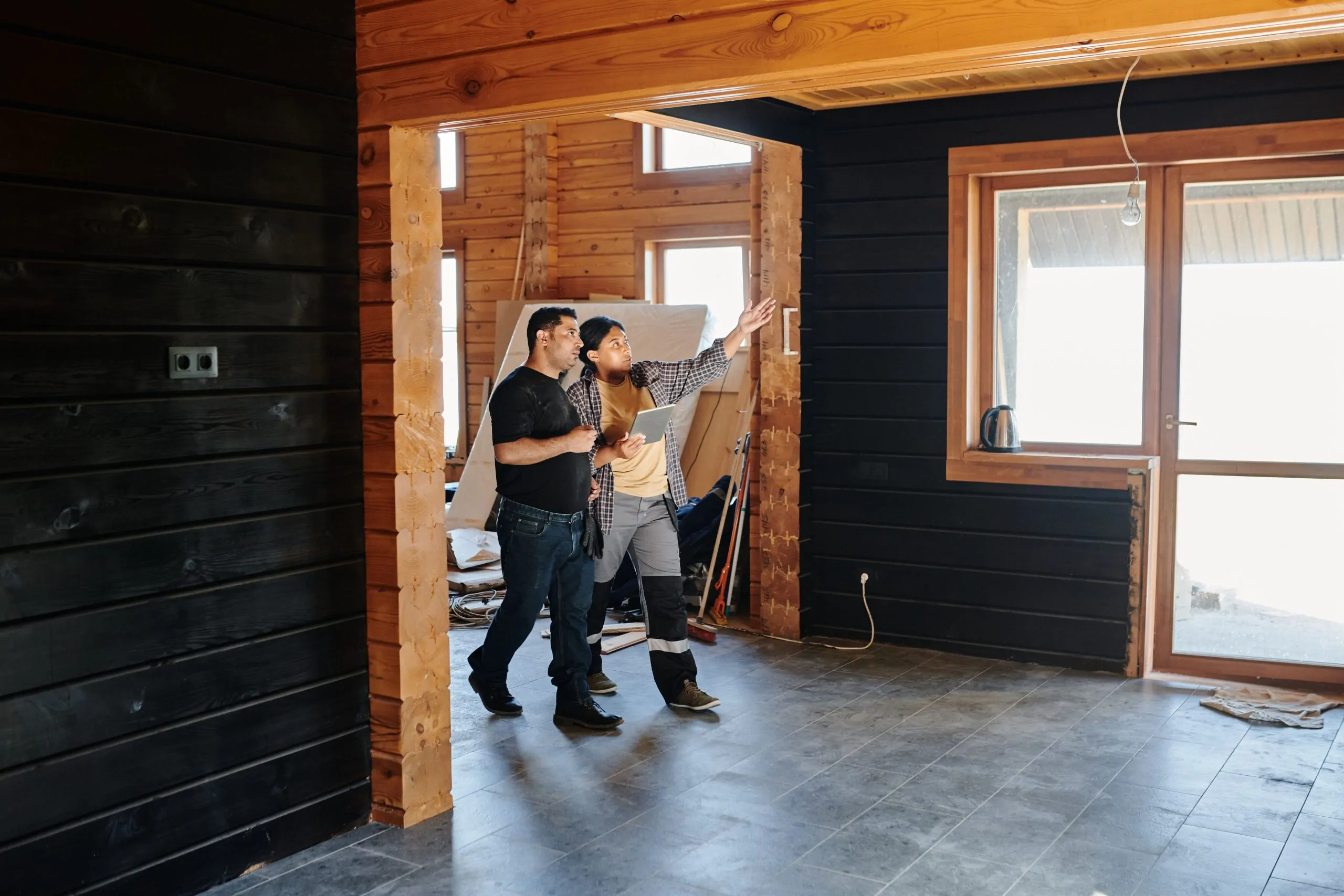
Two builders can use the same estimating software and get very different results. The difference is usually the pricing behind their estimates.
Most builders load prices from individual supplier quotes, past invoices or rate cards that were current at some point. Prices then move. A quote prepared using last quarter's figures can be thousands of dollars out by the time materials are ordered, and on a fixed-price job that difference comes straight out of the builder's margin.
There is also the question of which prices you're using. A small builder buying on their own usually pays more for the same products than a volume builder, simply because they buy less. Estimating software makes the calculation faster, but it can't change the price you pay.
That's the gap a builder procurement network fills. ABNetwork negotiates pricing with 100+ supplier partners on behalf of its members, then manages those price files centrally. When a supplier proposes a price change, ABNetwork reviews it first by researching the market and analysing competitors. Once agreement has been reached, members are notified in advance with an effective date, so there's time to finalise quotes before new pricing applies. You can read more about how builders access genuine discount building materials pricing.
See which memberships include integrated price files
ABNetwork doesn't make its own estimating software. Instead, it has a platinum partnership with two platforms built for builders, Buildxact and Wunderbuild, and integrates ABNetwork's negotiated supplier price files directly into both. Here is an overview of each. Features and plans change, so check current details with each provider before you decide.
ABNetwork introduced this approach around eight years ago. At the time, we believe no other builder network offered a comparable service, and integrating live supplier price files directly with estimating software was, to our knowledge, a world first for the building industry. In 2025, it was recognised with an Australian Business Award for process innovation.
Buildxact is cloud-based estimating and job management software designed for residential builders and renovators. It lets you upload PDF plans and complete digital take-offs, build estimates from templates and past jobs, and produce professional quotes. Beyond estimating, it includes tools for scheduling, purchase orders and invoicing, integrates with accounting software including Xero and QuickBooks, and has a mobile app, Buildxact Onsite, for use on site.
Wunderbuild is construction management software for Australian and New Zealand builders, designed to manage a job from take-off to final invoice in one place. It covers pre-construction work such as price lists and estimates, along with scheduling, task management and two-way accounting integrations. It also includes a client module that lets your clients view progress on their project, and a mobile app for your team.
Whichever platform you choose, ABNetwork members can quote using integrated ABNetwork price files, so the rates in their estimates reflect the member pricing they actually order at. The software subscription is separate from ABNetwork membership, and members can access it at a discounted rate through Buildxact or Wunderbuild. See how it works on our estimating software page.



Most estimating software for builders is sold as a monthly or annual subscription rather than a one-off purchase. Prices vary between providers and plans, so it's worth comparing on more than the headline monthly figure.
The main things that change the cost are the plan level, the number of users, and whether features such as scheduling, purchase orders or advanced take-offs are included or charged as extras. Some providers include training and support in the subscription, while others charge for onboarding. Ask each provider for a clear breakdown based on how your business would actually use it.
Then weigh that against the time you expect to save. If dedicated software cuts even a few hours from every quote, the subscription is often covered by the first extra job you have time to price.
Once you have a shortlist, these steps will help you make a decision you won't regret six months later
A good set-up makes the difference between software that saves time and software that sits unused. A simple plan for the first five weeks looks like this:
Most providers offer onboarding help during this period. Use it, and ask them to show you shortcuts for the type of work you do most.

The most common mistake is buying more software than the business needs, then using only a small part of it. Start with the features that solve your biggest problem, usually take-offs and pricing, and add more as your team gets comfortable.
The second is skipping set-up. Time spent building templates and loading accurate prices at the start pays back on every estimate afterwards. Rushing it means the software produces fast quotes that are still wrong. If you don't have the time, make it a priority or get help setting up your templates and recipes. This is essential to streamlining one of the most important parts of your business.
The third is underestimating how long your team needs to adjust. Run the new software alongside your old method for a few jobs, so you can check the numbers before relying on them. Never stop using your existing process until everyone is confident and comfortable using the new software.
For most builders who quote regularly, yes. Even a builder doing a few homes a year spends a lot of time on take-offs and pricing. Faster quotes and fewer pricing errors usually cover the cost of a subscription, especially when the software is loaded with accurate supplier pricing.
Not usually. Many estimating platforms, including Buildxact and Wunderbuild, include take-off tools, so you can measure plans and price the estimate in one place.
Not usually. Many estimating platforms, including Buildxact and Wunderbuild, include take-off tools, so you can measure plans and price the estimate in one place.
Yes. Most estimating software lets you load and manage your own price lists. ABNetwork members can also quote using integrated ABNetwork price files, which reflect the network's negotiated supplier pricing.
Most builders can produce a basic estimate within the first week, especially with the provider's onboarding help. Getting fully comfortable, with templates and price lists set up the way you like them, usually takes a few weeks of regular use. Running your old method alongside the new software for the first few jobs makes the transition safer.
Most estimating and construction management platforms let you price and record variations against the original estimate, so changes are documented and costed consistently. Check how each platform handles variations during your trial, because this is where many builders lose margin.
No. ABNetwork partners with Buildxact and Wunderbuild and supplies the live price files that integrate with both platforms. You use the software, and ABNetwork provides the pricing.
Estimating software integrated with ABNetwork supplier price files is included with our Pro and Premium memberships, currently available in Victoria. Lite members in New South Wales, Queensland, South Australia and Tasmania also have access to limited integrated supplier price files. The software itself needs a separate subscription. See plans and pricing for current details.
The right estimating software will save you time on every quote. Accurate, current supplier pricing makes sure that time is spent producing numbers you can trust. Talk to the ABNetwork team about how integrated price files would work with your estimating process

Operating Hours:
Monday - Friday:
9am - 4:30pm
Showroom visits by appointment only
Saturday:
By appointment only
Sunday: Closed
